> ## Documentation Index
> Fetch the complete documentation index at: https://docs.bettervim.com/llms.txt
> Use this file to discover all available pages before exploring further.
# Installation
> Learn how to get started with BetterVim.
# Pre-requisites
## For MacOS
* Nodejs
* Git
* Brew
* unzip
## For Linux (Ubuntu, Arch, Fedora and WSL2)
* Nodejs
* Git
* unzip
## Semi-optional requisites
* A powerline font like [NERD Fonts](https://www.nerdfonts.com/font-downloads). We're using **SpaceMono Nerd Font** in our screenshots. A powerline font is **required** for a better experience, since we're using a font-based icons in the file explorer, file finder, etc.
* If you want to achieve the same beautiful results of our screenshots, we recommend you to use a terminal emulator that support custom themes, like [Iterm2](https://iterm2.com/) (MacOS only) or [WezTerm](https://github.com/wez/wezterm) (Linux and MacOS). Since you're using Better Vim with our default themes (or even with custom themes) you'll probably want to use the same theme in neovim and in the terminal emulator.
## Installing Better Vim
To install Better Vim, you need a terminal or a terminal emulator like [Iterm2](https://iterm2.com/) or [WezTerm](https://github.com/wez/wezterm). Open your terminal and run the following command:
```shell theme={null}
curl -L https://bettervim.com/install/YOUR_LICENSE | bash
```
Don't forget to replace the value of YOUR\_LICENSE with your Better Vim license generated by Gumroad. To get your license key, go to your Gumroad account and check Better Vim product page.
This command will install neovim, its peer dependencies and everything needed for your Better Vim setup.
## Testing your setup
Open your terminal in a project and type nvim. You'll see a screen like that:
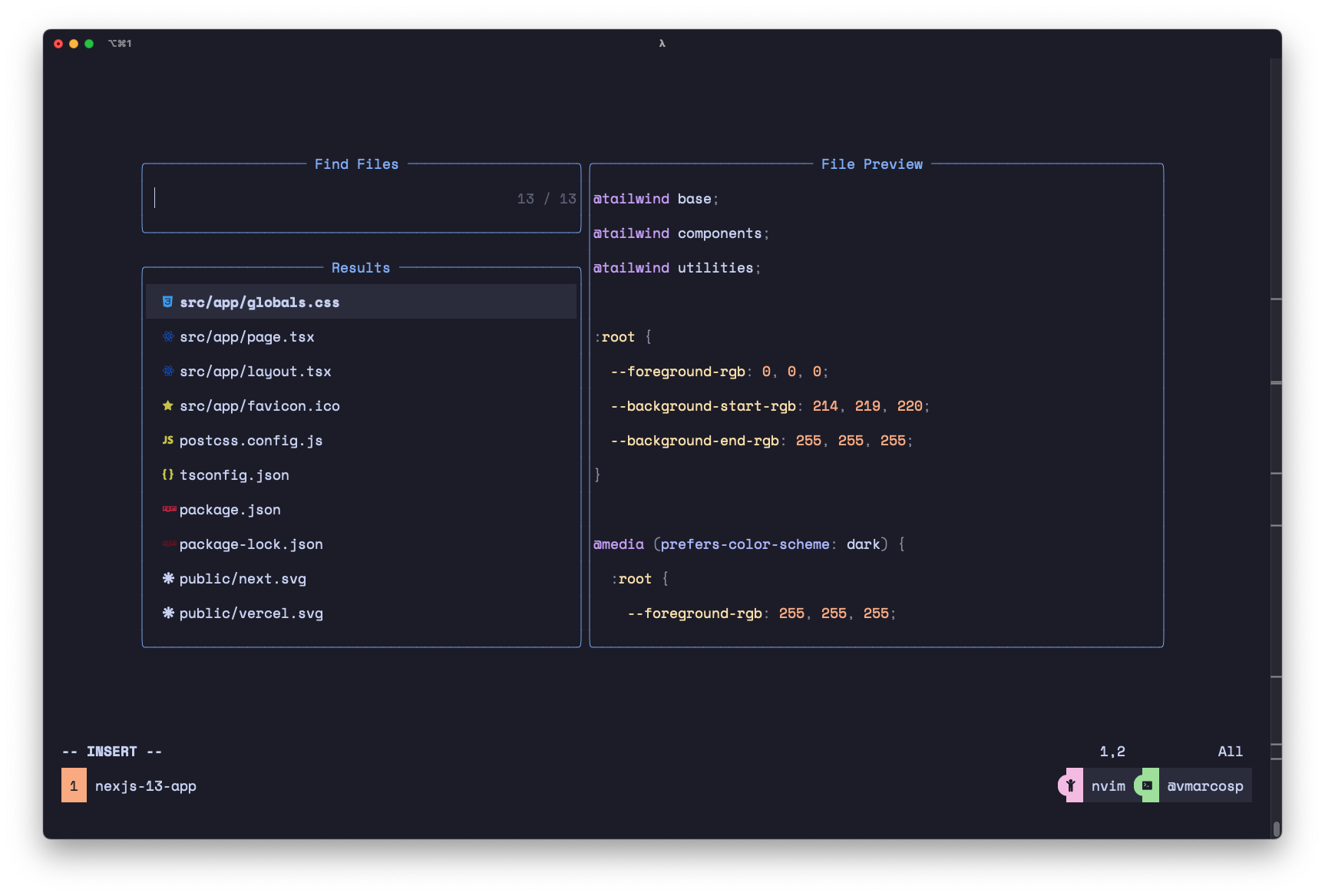 If you can see the screen above, you're ready to go 🚀